
Learning environment

Live Webinars That Actually Teach

Join real-time sessions where you can ask questions, see examples worked through step by step, and walk away with skills you can use immediately. No recordings, no scripted presentations—just focused learning with people who know the material.


Upcoming Sessions

These webinars run for 90 minutes each. You'll get direct access to instructors who work with on-page optimization daily, and you can ask about your specific situations. Sessions cover practical techniques, common problems, and tools that make the work faster. We keep groups small—usually 12 to 15 people—so there's time for individual questions. Registration closes 24 hours before each session starts.

Technical optimization workshop

Technical Foundations

We'll walk through page speed diagnostics, proper heading structure, and how to audit a page for common technical issues. You'll learn to use Chrome DevTools and Screaming Frog to spot problems before they hurt rankings.

90 minutes 12 seats
Content optimization session

Content Optimization

Learn how to structure articles for both readers and search engines. We cover keyword research that doesn't feel forced, internal linking strategies, and how to write meta descriptions that actually get clicks.

90 minutes 15 seats
Advanced optimization strategies

Mobile & Core Web Vitals

Focus on what Google actually measures: LCP, FID, and CLS. We'll diagnose real pages together, identify what's slowing them down, and implement fixes that make measurable differences in performance scores.

90 minutes 12 seats

Who's Teaching

Our webinars are led by practitioners who optimize pages for clients every week. They know what works because they've tested it, measured it, and fixed it when it broke.

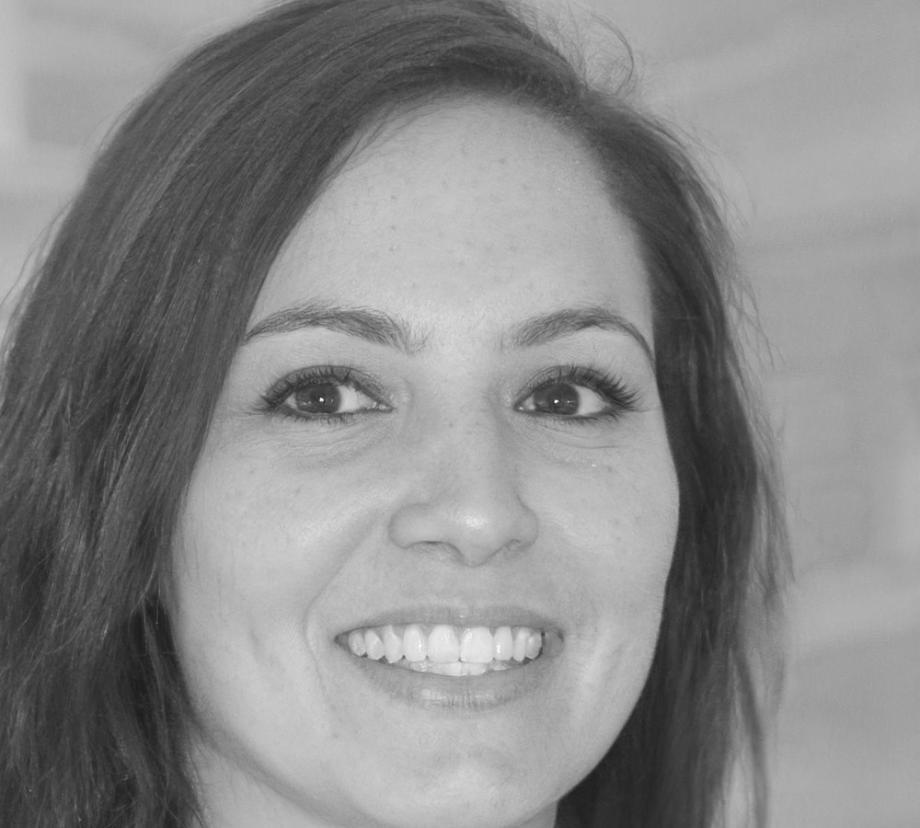
Webinar instructor Yuliana Fourie

Yuliana Fourie

Lead Optimization Specialist

Yuliana has spent the last six years working on e-commerce sites, news platforms, and SaaS products. She's handled everything from fixing broken schema markup to rebuilding site architecture for better crawlability. She'll show you the diagnostics she runs first, the tools that save her time, and the mistakes she made early on so you don't have to repeat them.

  • Technical SEO audits and implementation
  • Page speed optimization for large-scale sites
  • Structured data and schema markup
  • Mobile-first indexing strategies
  • Content optimization for search intent

Common Questions

Here's what people usually ask before signing up. If you need more detail, reach out directly.

Have Chrome installed with the Lighthouse extension. If you want to follow along with crawl examples, download Screaming Frog's free version. That's it. We'll walk through everything else during the session and share screen recordings afterward.

Absolutely. We encourage it. Send us the URL when you register and we'll make time to look at your specific situation. Most people learn better when they see fixes applied to pages they actually work on rather than hypothetical examples.

You should be comfortable editing HTML and have basic familiarity with how websites are built. We won't assume you're a developer, but we also won't spend time explaining what a div tag is. If you've ever looked at page source or used browser inspect tools, you'll be fine.

We record every session and send the video plus a breakdown of the main points within 48 hours. The recording includes timestamps so you can jump to specific topics. That said, the Q&A portion is where most of the value happens, so live attendance gets you more.

No. Webinars are standalone sessions focused on specific topics you can apply right away. The learning program is structured curriculum that builds skills over weeks. If you're trying to decide between them, webinars work well for immediate problems, while the program suits people building foundational knowledge from scratch.